infai auto-detects your GGUF models, wraps llama.cpp in a terminal UI,
and lets you launch inference servers with one keypress.
No flags to memorize. No YAML. No scripts.
Every local LLM session starts the same way: scrolling through shell history, fixing a typo, forgetting a flag.
$ llama-server \
-m ~/models/qwen2.5-7b-q4_k_m.gguf \
--ctx-size 65536 \
--n-gpu-layers 99 \
--batch-size 2048 \
--ubatch-size 512 \
--flash-attn \
--host 0.0.0.0 \
--port 8080
Every. Single. Time.
$ infai
# select model, press enter. that's it.
Profiles remember everything. You just pick and run.
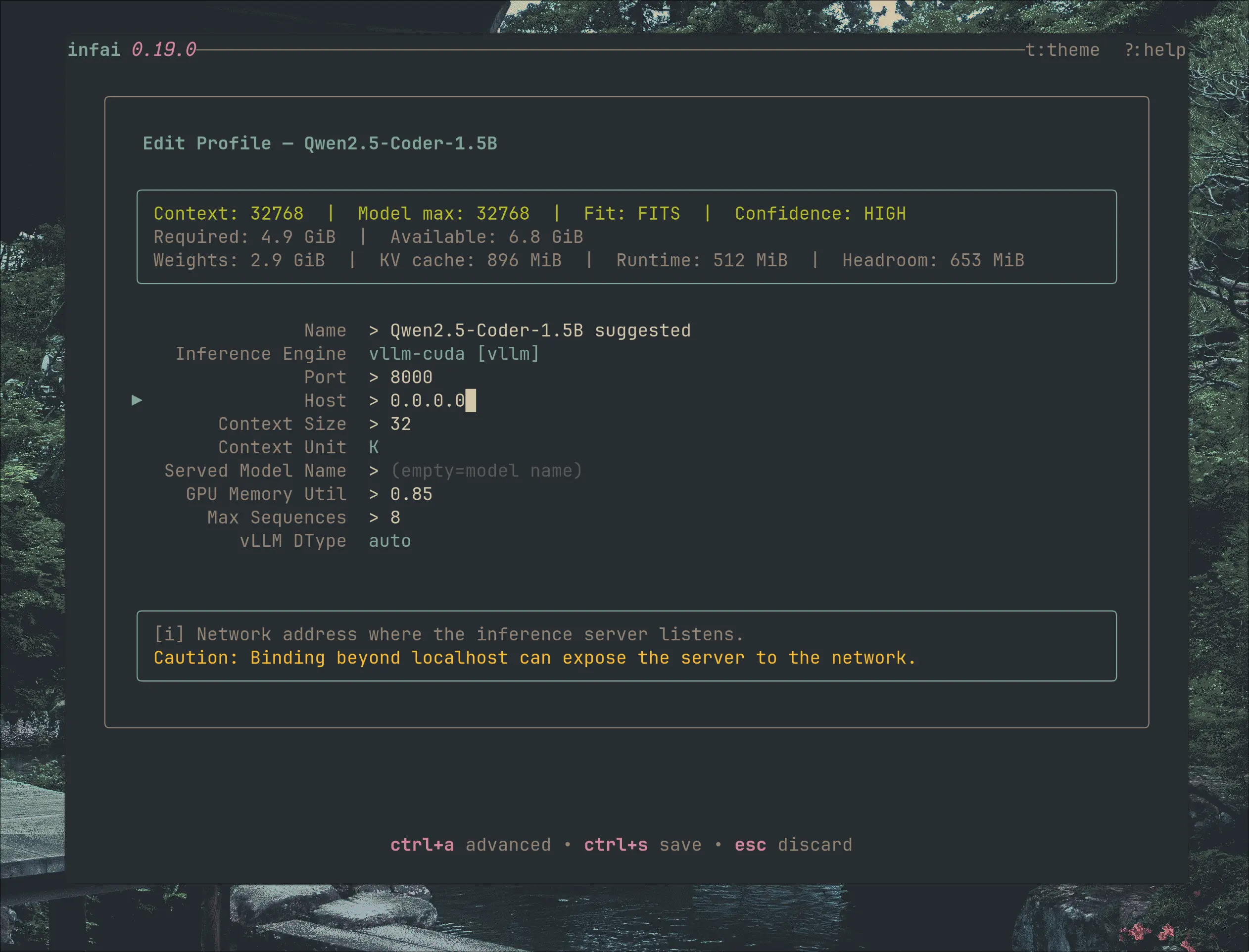
Name your profile, set context size, GPU layers, batch parameters, flash attention, quantization type. Save it. Never think about it again.
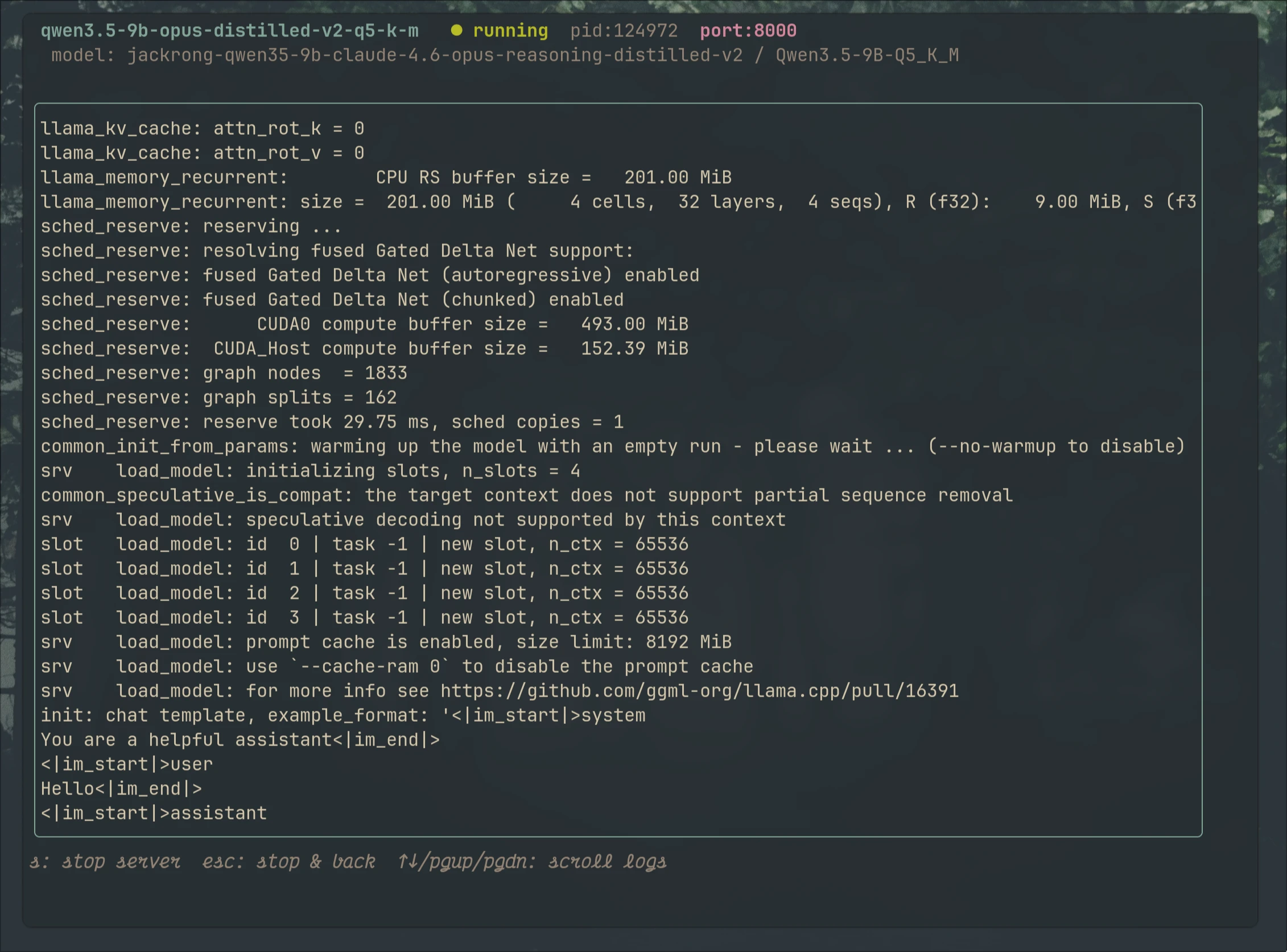
Built-in scrollable viewport streams server output in real-time. Stop, restart, or switch models without leaving the TUI.
Point at your model directories. infai scans for GGUF files and indexes them. New model? Just rescan.
Multiple configs per model. Compare Q4_K_M vs Q5_K_S, or 4K vs 64K context, in seconds flat.
Real-time scrollable viewport. No more tmux splits or tail -f in another window.
Tokyonight, Everforest, One Dark, Rose Pine, Gruvbox. Match your terminal's vibe.
One database. No scattered dotfiles, no YAML, no env vars. Everything in one place.
Select model. Press enter. Server starts. That's the whole workflow.
You invested in the hardware. Stop wasting time on the flags.
llama.cpp today. Your single control plane for all local inference tomorrow.
GGUF auto-detect, launch profiles, live logs, 5 themes
HuggingFace SafeTensors and Apple MLX architectures
Production-grade batched inference management
Live CPU, memory, GPU utilization in the TUI